ToolsToo 12.0 is a PowerPoint add-in that significantly expands Microsoft PowerPoint’s capabilities by adding over 115 powerful, productivity-focused tools directly into the PowerPoint ribbon.
ToolsToo 12.0 for PowerPoint Description
It is designed to help users create, format, edit, organize, and optimize presentations more efficiently and precisely than with PowerPoint’s built-in functions alone. ToolsToo 12 enhances PowerPoint with a set of advanced utilities for working with shapes, slides, formatting, and presentation structure. Once installed, it adds a ToolsToo tab to the PowerPoint ribbon, where you can easily access all its tools.
ToolsToo 12 is a feature-rich PowerPoint add-in that adds over 115 advanced productivity tools for editing shapes, managing slides, formatting content, and organizing complex presentations. By offering functions that go beyond PowerPoint’s native capabilities, it helps users work faster and create better-looking presentations with fewer steps.
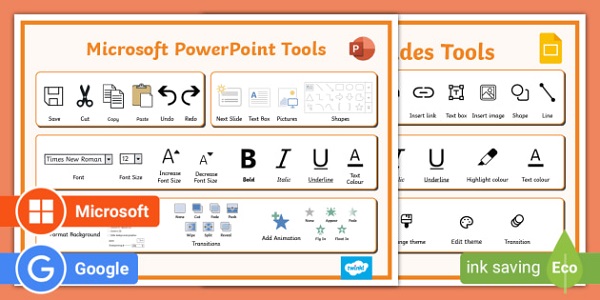
As you know, PowerPoint is undoubtedly one of the best choices for presenting a presentation, with the help of which you can combine text, images, videos, etc. attractively and animatedly, and use it in your educational or business presentations. The ToolsToo plugin provides you with more diverse possibilities for working with shapes and slides in a PowerPoint project.
Features Of ToolsToo 12.0 for PowerPoint
- Joining the ends of shapes
- Stretching and expanding shapes
- Aligning and splitting shapes
- Duplicate shapes
- Setting the same size, format, orientation, spacing, table column width, animation, rounded corners and various other settings
- Create title/body
- Add thumbnails and images
- Create horizontal/vertical lines
- Set the start of the path
- Copy to the end of the path
- Add to group.
- Replace tool.
- Add related sites.
- Set image scale to 100%/height/width.
Password For File: “123 “